Identifying Missing Data Network Contract DES 25/26 in CQRS National Guide
Overview
This guide describes how to check what data is missing from your Network Contract DES (NCD) 2025/26 achievement.
Step by step guide
Once logged into CQRS National, click on the Data Submission tab
- Choose the relevant financial year – 25/26
- Select the quality service from the drop-down box – DES-Annual-Network Contract DES 2025/26

- From the list of achievement dates select 31/03/2026
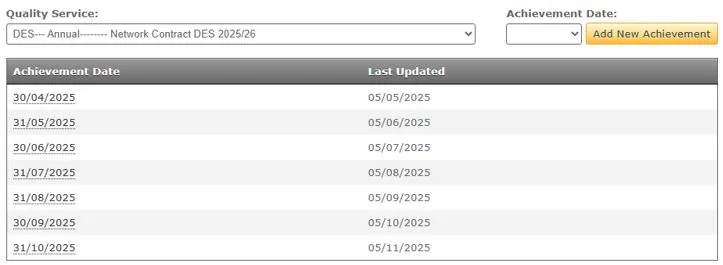
- If 31/03/26 does not appear in the achievement date list ensure you have the correct service selected.
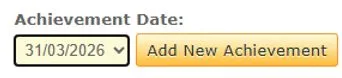
- If it still does not appear select it from the “Achievement Date” drop down and click “Add New Achievement”
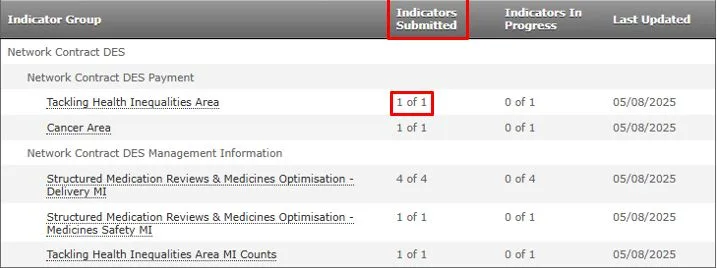
Once selected you will need to make sure all indicators submitted are the total possible value you can submit e.g. 2 of 2. If they are not equal, e.g. 0 of 1, you will need to click into the group and enter the missing indicator data.
Non-urgent advice: Need help?
If you need help with CQRS, you can log a call with the service desk. Please email: support@cqrs.co.uk or call 0330 124 4039.